Budgeting and expense tracking guides
How to turn a monthly budget into a daily number, log a purchase in seconds, and budget without linking your bank. Every guide answers first, then explains.
Budgeting methods
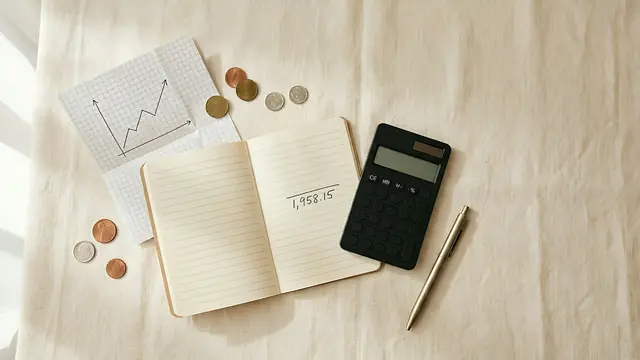 The daily budget method: turn your monthly budget into one number for todayTurn a monthly budget into a daily spending limit: take-home pay minus bills and savings, divided by days. Carry-over rules and a worked example.Read →
 The 50/30/20 rule: a worked example, its limits, and how to pair it with a daily budgetThe 50/30/20 rule splits take-home pay into 50% needs, 30% wants and 20% savings. Worked example, when it fails, and how to turn wants into a daily budget.Read →
 How to budget with irregular income: a baseline, a buffer and one daily numberBudget on 75% of your 3–6-month average income, keep the rest in a buffer, pay yourself a fixed salary and spend from a daily number. Worked example.Read →
 The no-spend challenge: rules, what counts as essential, and a gentler way to do itHow to do a no-spend challenge: pick a weekend, week or month, list your essentials, prepare, handle slips, or try a gentler version with a daily budget.Read →
Logging expenses
 How to log expenses with the iPhone Action Button, Siri, Back Tap and ShortcutsPress the Action Button, say "lunch 12", and the expense is logged. How to set up My Money's Voice Log and Quick Log with Shortcuts, Siri and Back Tap.Read →
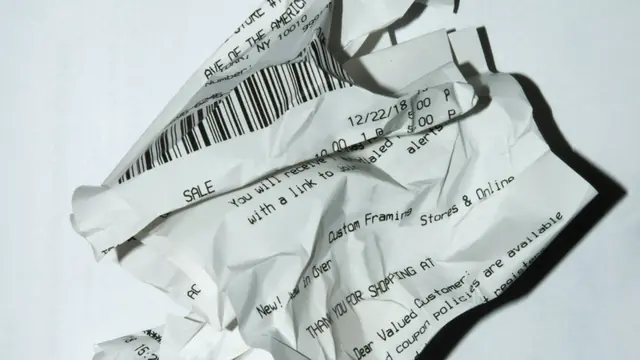 How to turn bill screenshots and receipts into expense entries on iPhoneLog expenses from payment screenshots, bills and receipt photos on iPhone: which images read well, the steps in My Money, accuracy tips and privacy.Read →
 How to budget without linking your bank accountYes, you can budget without bank sync. Compare manual and bank-linked apps on privacy, effort and accuracy, and learn to log spending in seconds.Read →
Real-life budgets
 How to budget as a college student and make your allowance last the monthBudget a student allowance: add up money in, take out fixed costs and a buffer, split the rest into a daily number, then log it and check weekly.Read →
 How to set a daily travel budget and stick to itSet a daily travel budget: pay flights and hotels first, keep a buffer, divide the rest by trip days. Worked 7-day example, carry-over and currency tips.Read →
 How to stop overspending on food delivery without giving it upSpending too much on food delivery? Find your real number, set a weekly food amount inside a daily budget, and keep delivery for set days. With an example.Read →
App picks
 The best iPhone budget apps that don't need your bank login (2026)
Tools and reference
Daily budget calculatorFree daily budget calculator. Enter take-home pay, fixed costs and savings to see how much you can spend each month and each day, plus tomorrow after carry-over.Read →Budgeting glossaryPlain definitions of 19 budgeting terms, from daily budget and carry-over to sinking funds, the 50/30/20 rule and zero-based budgeting, with examples.Read →My Money FAQAnswers about My Money for iPhone: free, no ads, no account or bank link. How the daily budget works, voice and screenshot logging, privacy and limits.Read →
Try My Money on iPhone
Your monthly budget as one number: what you can still spend today. Log by typing, voice or a bill screenshot. Free, no account, no ads.