Daily budget · Expense tracker · iPhone
Know what you can spend today.
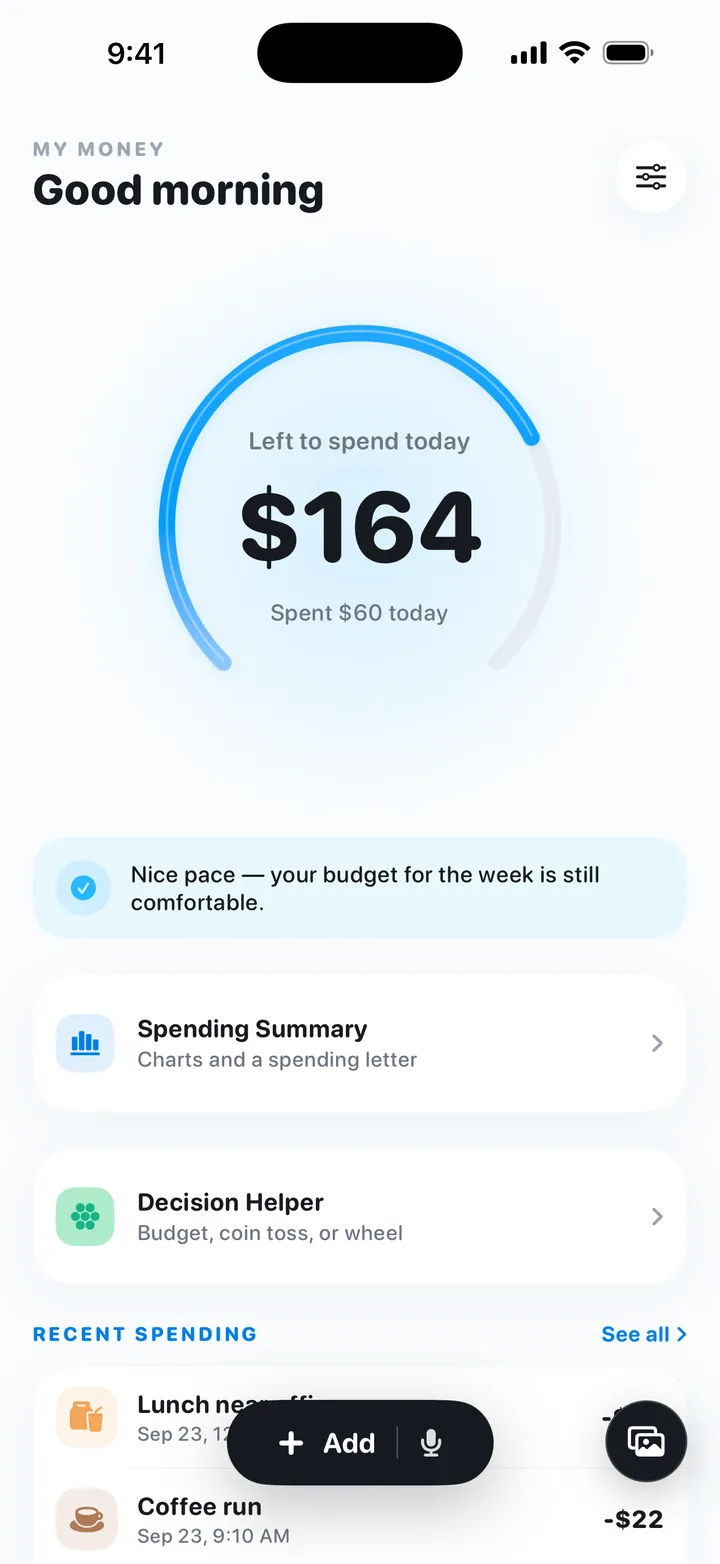
My Money is a free iPhone app that turns your monthly budget into one daily number. Log a purchase and the number updates; spend less today and the rest carries into the next few days. Type it, say it, or pick a screenshot of the bill.
- Free
- No in-app purchases
- No account
- No bank link
- No ads
- iOS 17+
How it works
Set it up once. Then watch one number.
-
1
Pick a monthly budget
Type how much you want to spend each month, or answer a few questions about income, fixed costs, living costs and a savings goal, then choose a Saver, Balanced or Flexible plan.
-
2
Check "left to spend today"
The big number on Home is what you can still spend today. Unspent money carries forward, up to 5 days' worth; go over and the next days get a little less.
-
3
Log it when you pay
Type "Coffee 5" and the amount and category fill in. Or say it, or choose a few bill screenshots and log several lines at once.
Voice logging
Say it, check it, done.
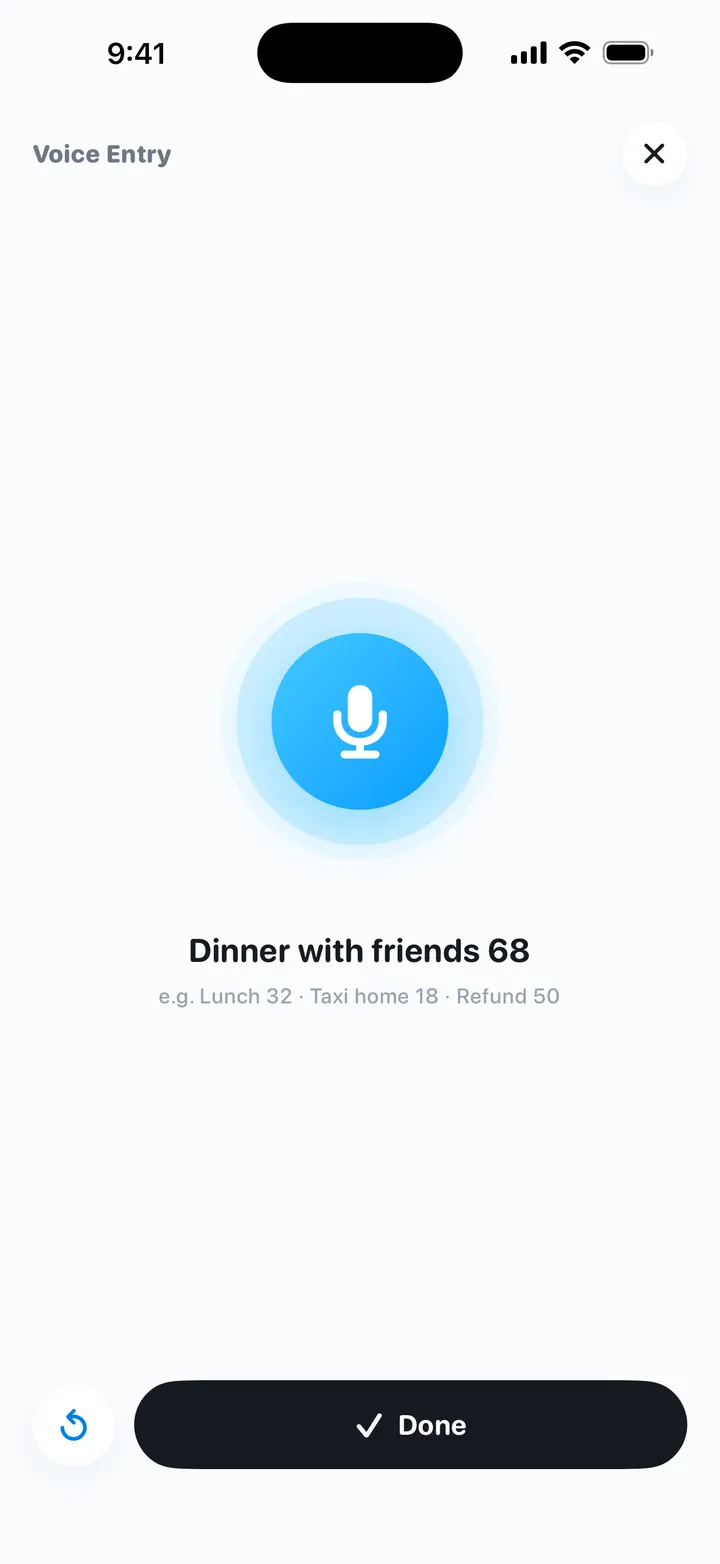
Walking, commuting, or just paid and don't want to type? Tap the mic on Home and say "Lunch 12". Speech becomes text on your iPhone, the amount, category and note are filled in, and nothing is saved until you confirm.
- Speech recognition runs on device; audio is never uploaded.
- Put Voice Log on the Action Button to open the recorder with one press.
- Or use Quick Log to save without opening the app, with a Dynamic Island confirmation.
Screenshot entry
One bill screenshot, several entries.
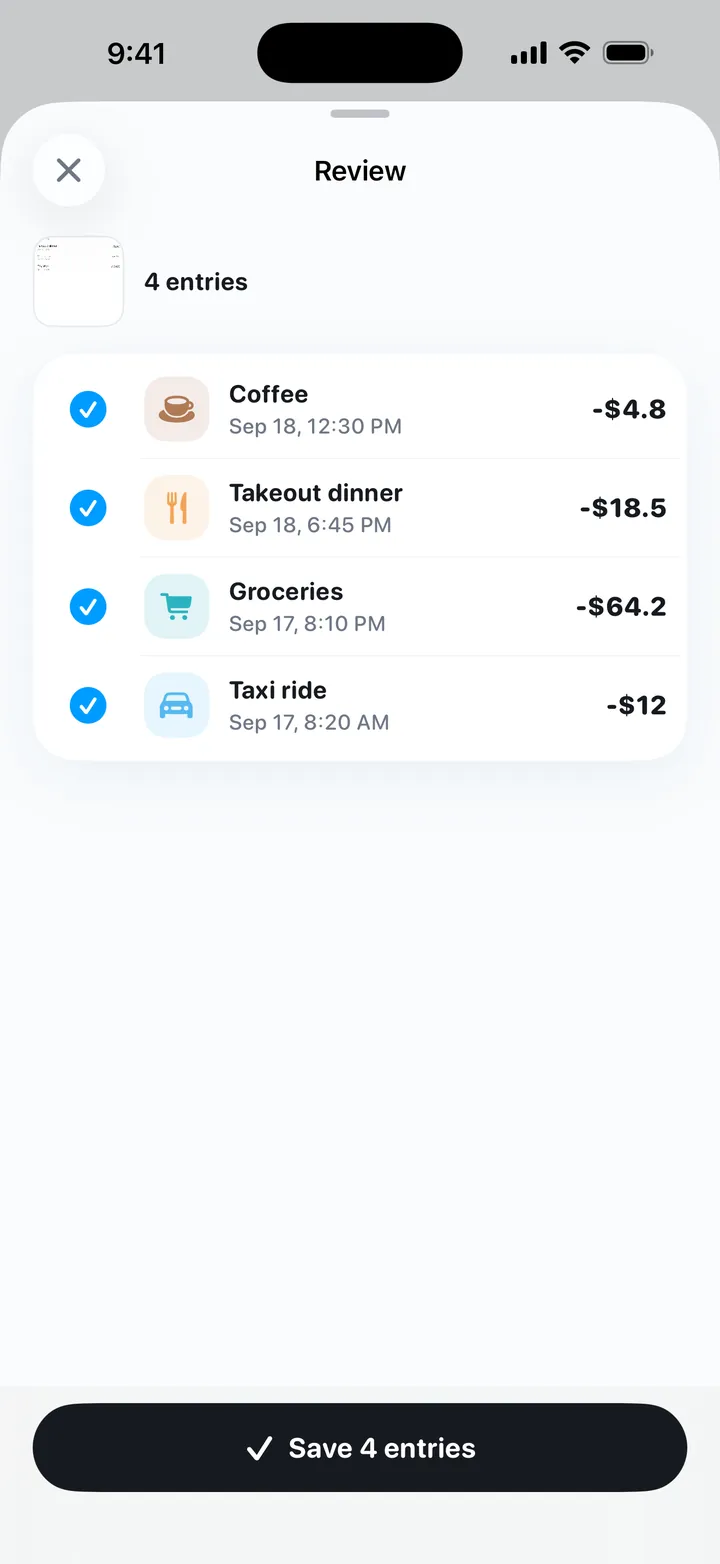
Choose up to 5 screenshots or photos of payment confirmations, bills or receipts. Text is read on your iPhone with Apple Vision, each line becomes a draft you can edit or uncheck, and nothing is logged until you tap save.
- Images are read on device and never uploaded.
- Or take a photo of a receipt right there.
- Every line is reviewed before it counts.
Spending summary and recaps
See where the money went.
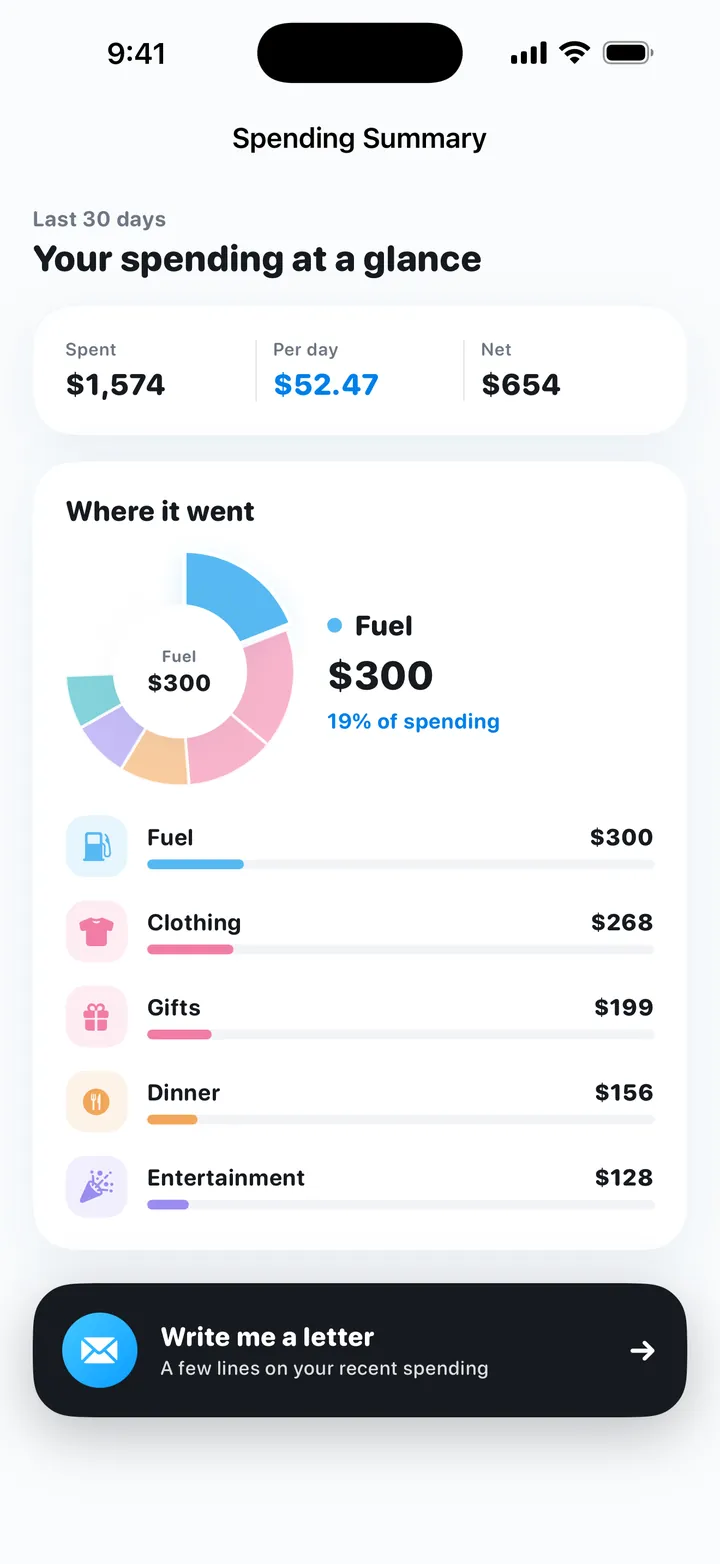
The spending summary groups the last 30 days by category, biggest first. A short letter from My Money talks through your recent spending in a few plain paragraphs.
- Daily, weekly and monthly recaps against your budget, and a plain note when there isn't enough data yet.
- A calendar with each day's total.
- Home Screen widgets in two sizes, with an option to hide amounts.
- Evening reminders: gentle, clear, or only when you're over budget.
Decision helper
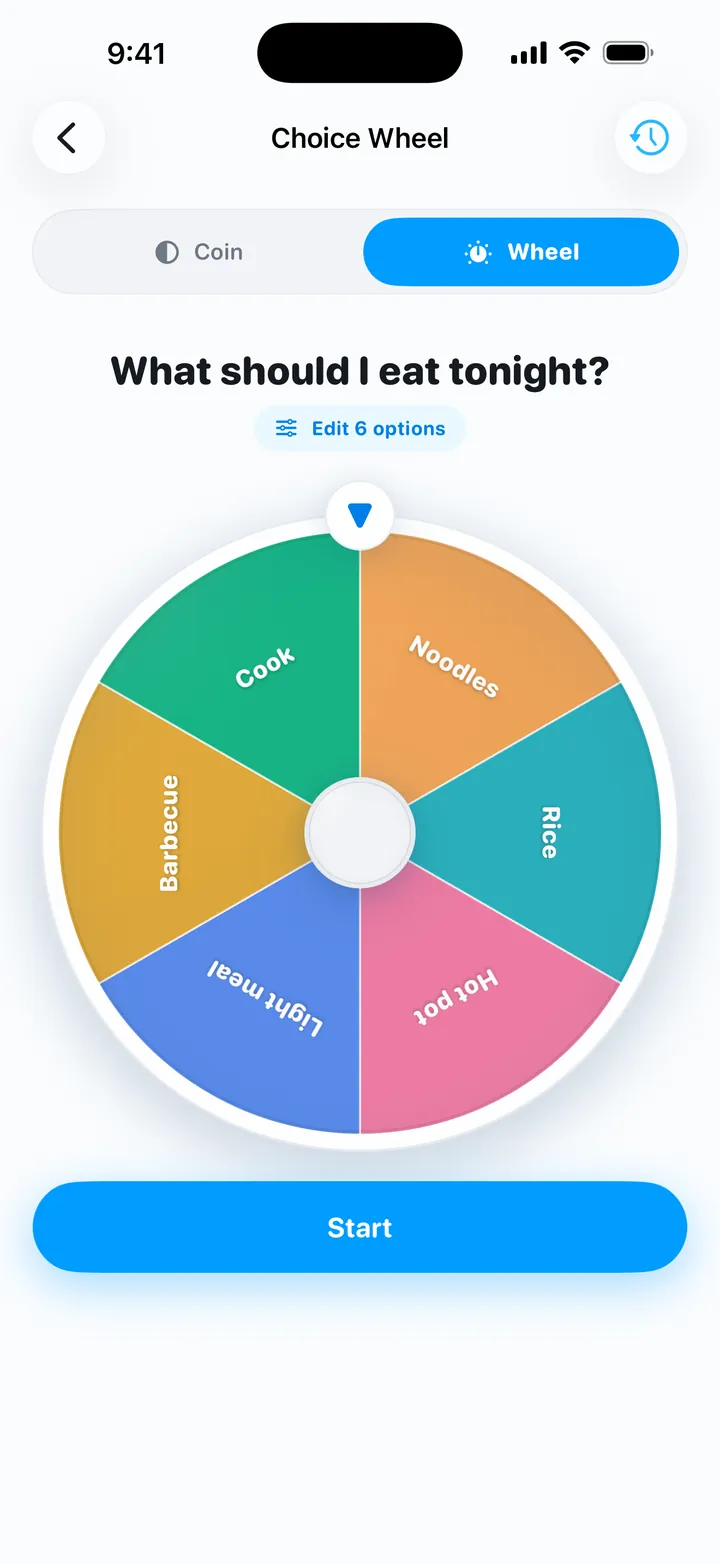
Buy it or not? What's for dinner?
The decision coin shows how a purchase fits your remaining budget before you toss it. The choice wheel spins through your own options or a generated list. Results are kept in your decision history. They're for fun and reference; the call is always yours.
Privacy
Your ledger stays on your iPhone.
No sign-up, no bank connection, no ads, no third-party analytics SDK. Budget math always runs on device, and entry parsing and suggestions do too by default.
Optional online AI (DeepSeek) is off by default. Each feature asks before anything is sent, and only the text or summary that request needs is sent. Photos, audio and the full ledger are never uploaded. Export a backup or erase everything from Settings.
Guides
Learn the method first.
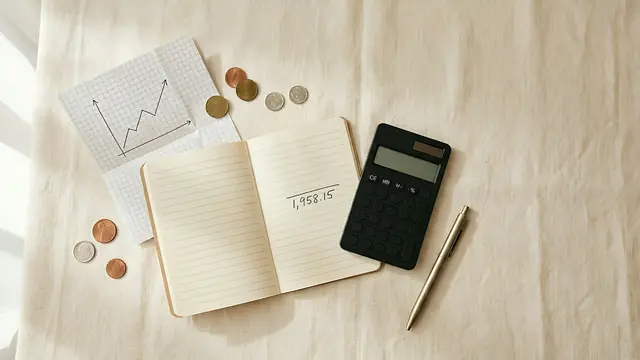 The daily budget method: turn your monthly budget into one number for todayTurn a monthly budget into a daily spending limit: take-home pay minus bills and savings, divided by days. Carry-over rules and a worked example.
 The best iPhone budget apps that don't need your bank login (2026)Nine iPhone budget apps that work without your bank login, compared on platforms, price and bank sync. Each listing checked on Sept 26, 2026.
 How to log expenses with the iPhone Action Button, Siri, Back Tap and ShortcutsPress the Action Button, say "lunch 12", and the expense is logged. How to set up My Money's Voice Log and Quick Log with Shortcuts, Siri and Back Tap.
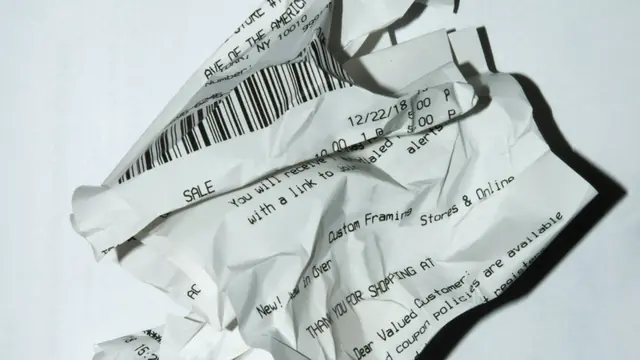 How to turn bill screenshots and receipts into expense entries on iPhoneLog expenses from payment screenshots, bills and receipt photos on iPhone: which images read well, the steps in My Money, accuracy tips and privacy.
 How to budget as a college student and make your allowance last the monthBudget a student allowance: add up money in, take out fixed costs and a buffer, split the rest into a daily number, then log it and check weekly.
 How to budget without linking your bank accountYes, you can budget without bank sync. Compare manual and bank-linked apps on privacy, effort and accuracy, and learn to log spending in seconds.
FAQ
Is My Money free?
Yes. It is free to download and use, with no in-app purchases, no subscriptions and no ads. It contains no third-party analytics or advertising SDK.
Do I need an account or to link my bank?
No. My Money has no account system and never connects to a bank. You log each entry yourself by typing a short line, speaking, or choosing a few bill screenshots.
How is the daily budget calculated?
Your monthly spending money is spread across the days. With the guided setup: monthly income minus fixed costs, living costs and savings gives your monthly pocket money, and dividing by 30 gives a daily reference. Unspent money carries into the following days, up to 5 days' worth; overspending lowers the coming days.
Can I log expenses with the Action Button or Siri?
Yes. Voice Log opens a full-screen voice recorder so you can review before saving. Quick Log saves a line of text without opening the app and confirms in the Dynamic Island. Both can go on the Action Button; iPhones without one can use Back Tap.
Where is my data stored?
On your iPhone. The developer keeps no server copy of your ledger. Optional online AI (DeepSeek) is off by default and asks per feature before sending the text of that one request; photos, audio and the full ledger are never uploaded.
Which devices and countries are supported?
iPhone only, running iOS 17 or later. It is available on the App Store in the US, UK, Canada, Australia, Singapore, Malaysia, Japan, Germany, Hong Kong, Taiwan and other regions, but not on the mainland China App Store.
Can I track income and export my data?
Yes. Income can be logged and offsets spending. Settings lets you export a backup or erase all data.
Try My Money on iPhone
Your monthly budget as one number: what you can still spend today. Log by typing, voice or a bill screenshot. Free, no account, no ads.