My Money press kit
Descriptions, key facts, a feature list and image links for writing about My Money accurately. For anything not covered here, email snaptidyapp@outlook.com.
You are welcome to use the descriptions below as written or to shorten them. Please check any other claim against the key facts on this page or the FAQ.
One-line description
My Money is a free iPhone app that turns your monthly budget into one number — what you can still spend today — and lets you log spending by typing, voice or bill screenshots, with no account and no bank connection.
Short description (60 words)
My Money is a free iPhone budgeting app that turns a monthly budget into one number: what you can still spend today. Unspent money carries into the following days, up to five days’ worth. Log spending by typing a line, speaking, or choosing bill screenshots. There is no account and no bank connection, and records are stored on the iPhone.
Long description (150 words)
My Money is a free iPhone app for people who want to see their spending during the month, not after it. Set a monthly budget directly or through an assessment of income, fixed costs and savings. The Home screen shows one number: how much you can still spend today. Spend less and the difference carries into the following days, up to five days’ worth; spend more and the coming days get less. To log, type “Coffee 5”, say it, or pick up to five bill or receipt screenshots, which are read on the device. Voice Log and Quick Log work with the Action Button, Siri and Shortcuts. A 30-day spending summary, recaps and Home Screen widgets show where the money goes. There is no account, no bank connection and no ads, and records are stored on the iPhone. It runs on iOS 17 or later, in English and Simplified Chinese.
Key facts
| Item | Details |
|---|---|
| Name on the App Store | My Money: Budget & Expense Log |
| Short name | My Money (two words) |
| Price | Free. No in-app purchases, no subscriptions, no ads, no third-party analytics or tracking SDK. |
| Platform | iPhone only, iOS 17.0 or later |
| Languages | English and Simplified Chinese, switchable inside the app |
| Category | Finance (secondary: Lifestyle) |
| Age rating | 4+ |
| First release | 2026-09-11 (version 1.0) |
| Current version | 1.0.1, released 2026-09-25 |
| Availability | App Store in the US, UK, Canada, Australia, Hong Kong, Taiwan, Singapore, Malaysia, Japan, Germany and other storefronts. Not on the mainland China App Store. |
| Account and bank | No account or sign-in; no bank or card connection |
| Data | Records stored on the iPhone; optional online AI (DeepSeek) is off by default and asked per feature |
| Developer | An independent developer |
| App Store link | https://apps.apple.com/app/id6792258828 (opens the reader’s own storefront) |
| Website | https://my-money-support.vercel.app |
| Contact | snaptidyapp@outlook.com |
Features
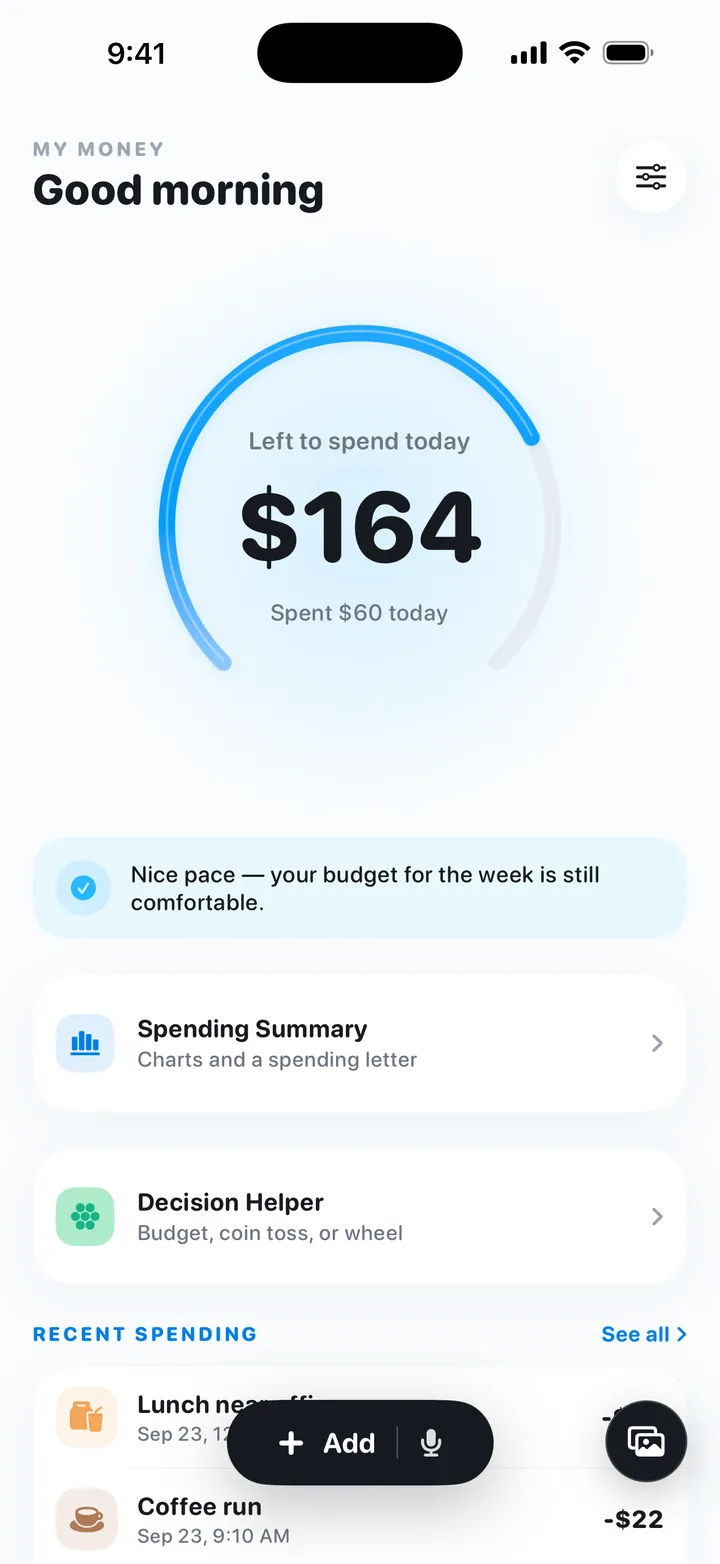
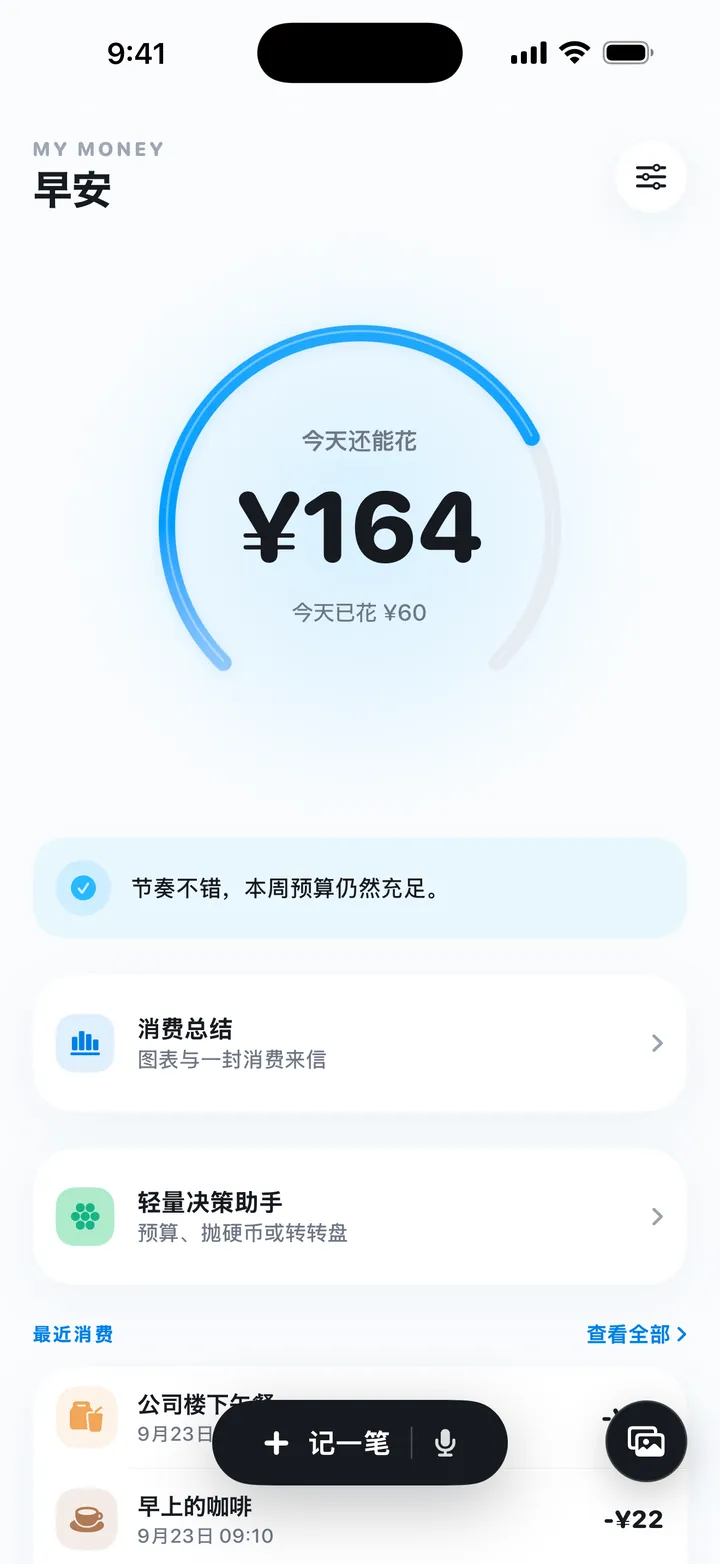
- One daily number. “Left to spend today” on the Home screen, with what was spent today and a one-line status. Unspent money carries into the following days, capped at 5 days’ worth; overspending lowers the coming days.
- Budget setup in about a minute. Enter a monthly amount, or take a budget assessment (income, fixed costs, living costs, savings goal, spending style) and choose a Saver, Balanced or Flexible plan, with Goal and Essentials plans where they fit. The math runs on the device with fixed rules.
- Typed entries. “Coffee 5” or “Taxi home 18” fills in amount and category; dates like “yesterday” are understood. More than 50 categories, and income entries that offset spending.
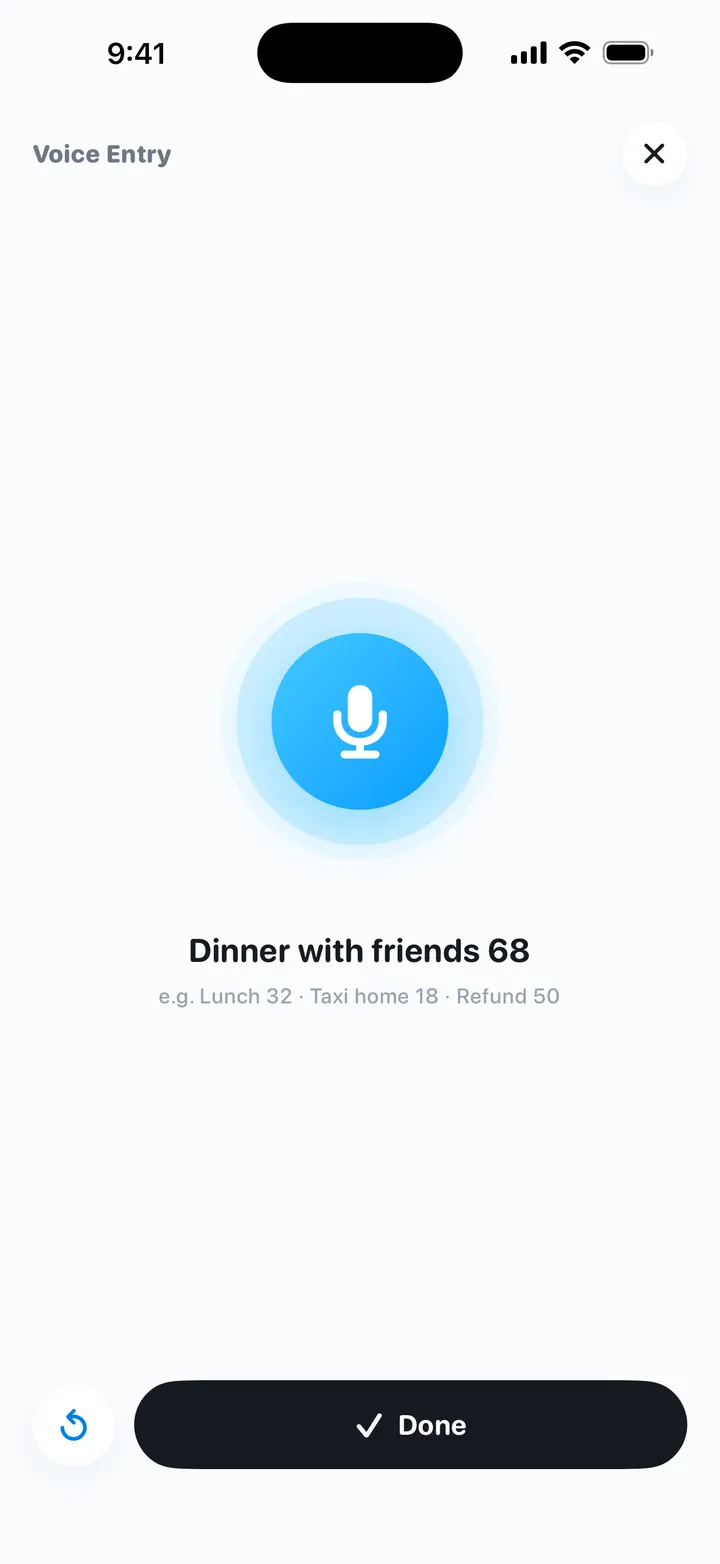
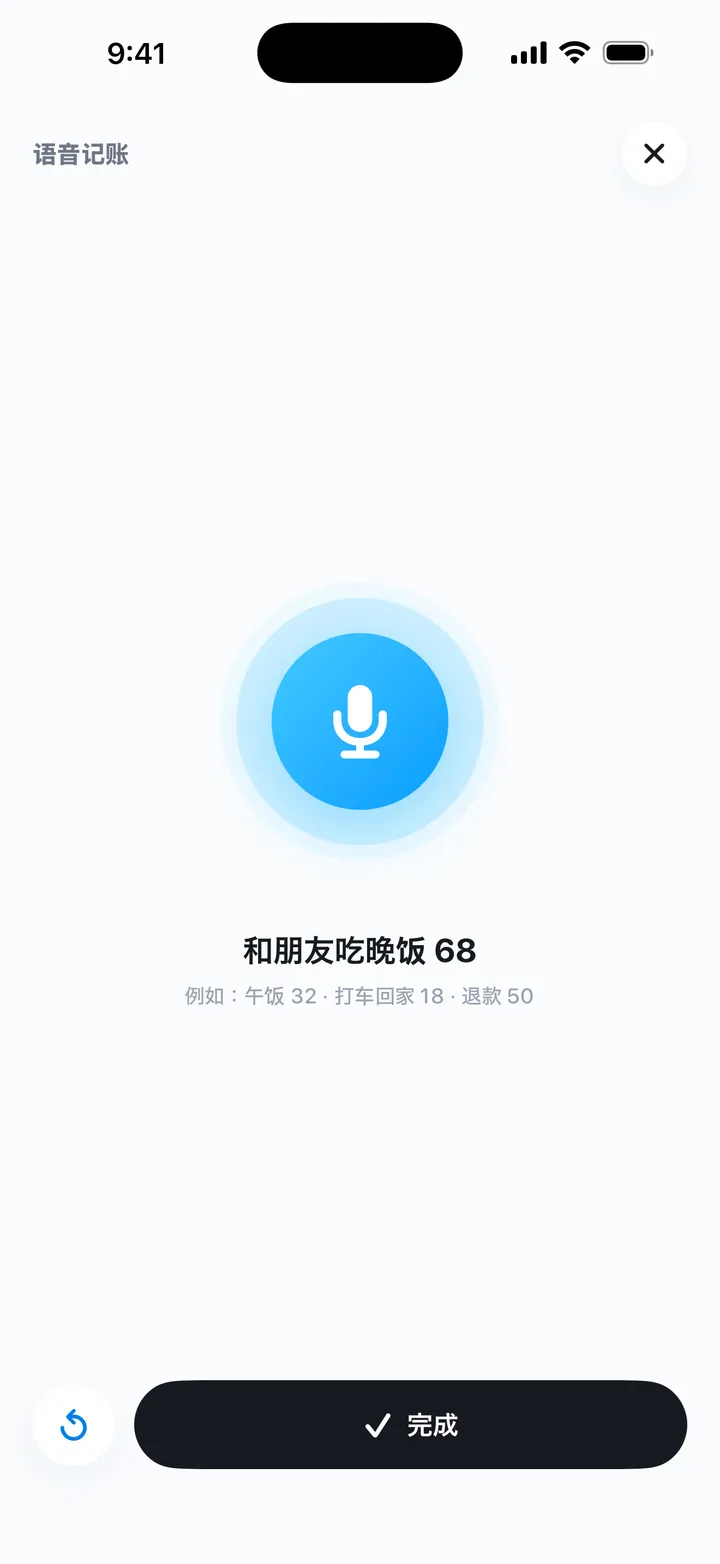
- Voice entries. On-device speech recognition only; raw audio is never uploaded.
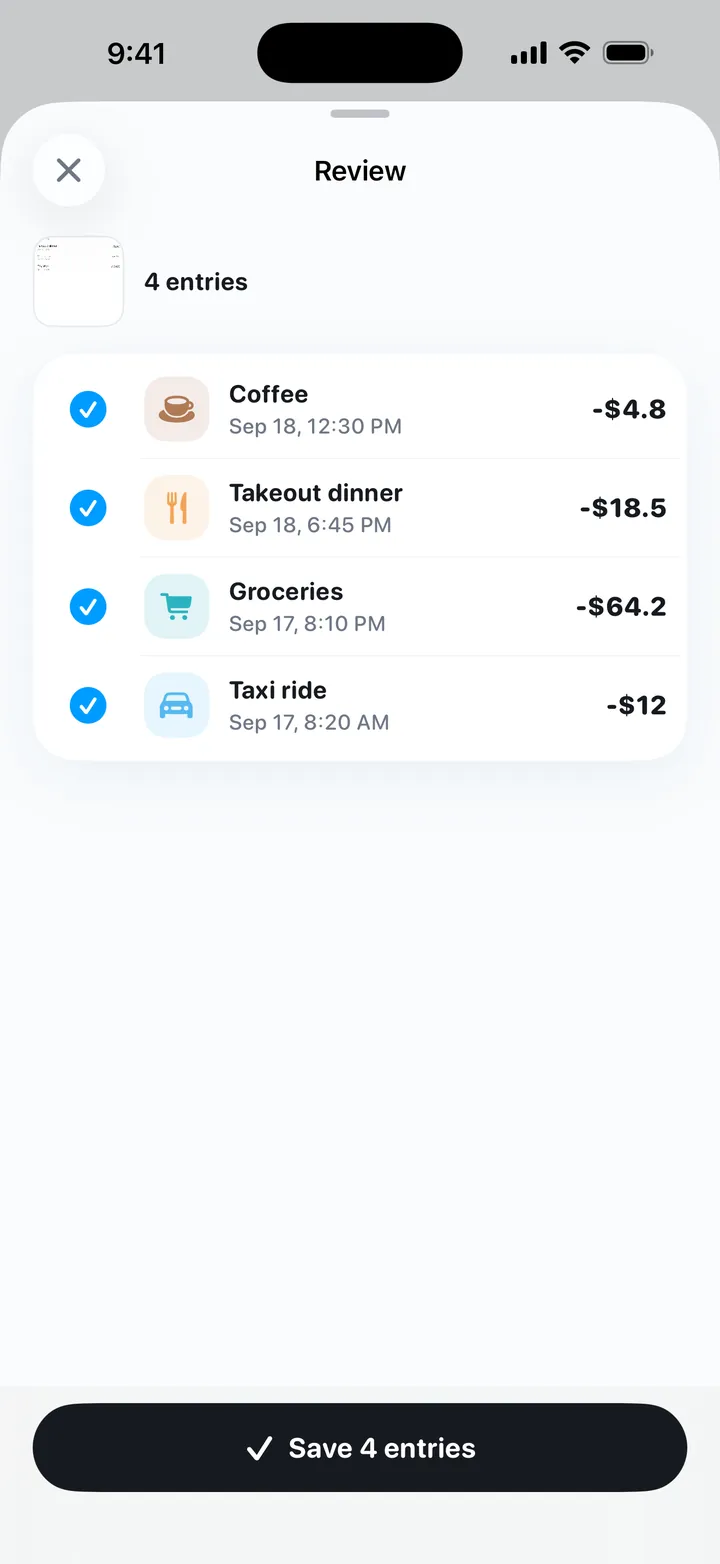
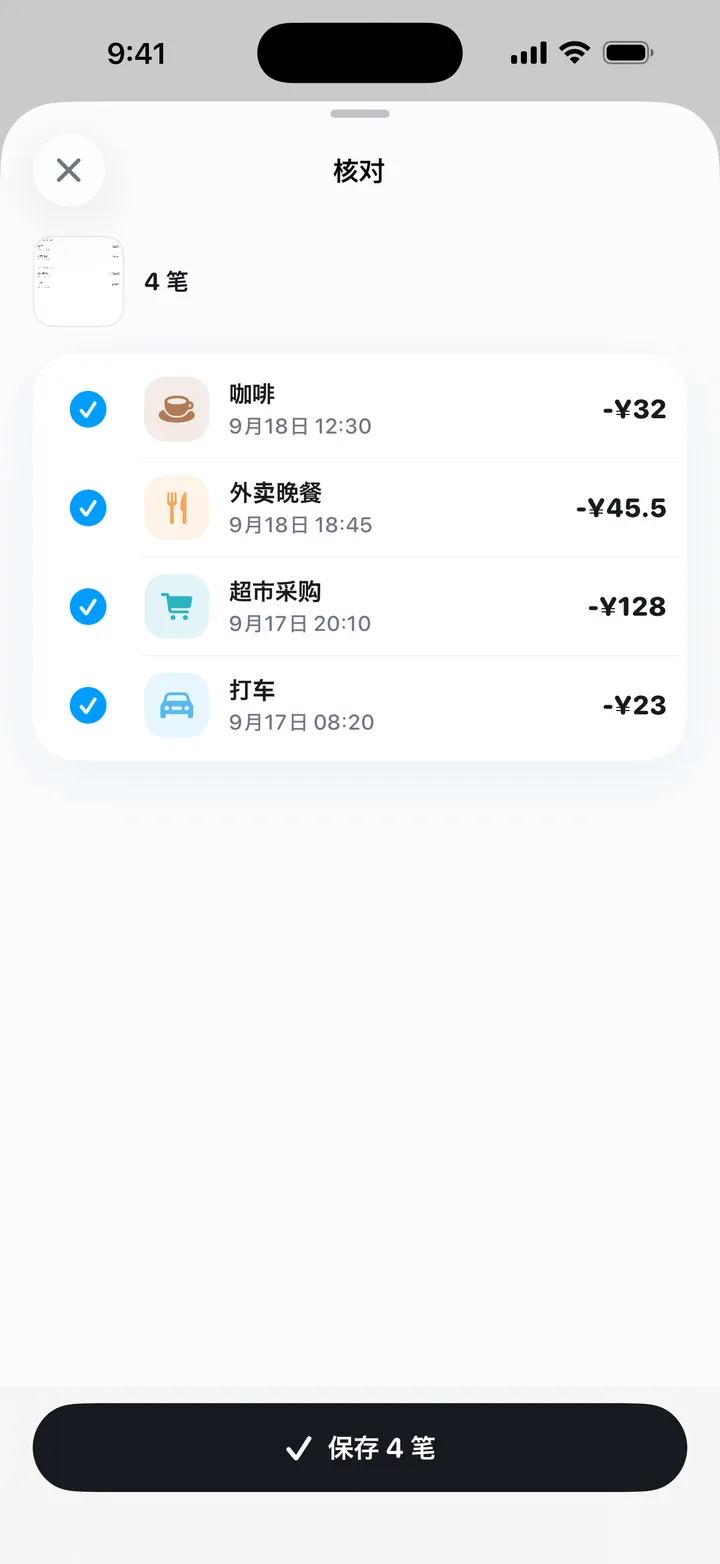
- Screenshot and photo entry. Up to 5 screenshots or photos of payment records, bills or receipts at a time, read on the device with Apple Vision. Each line becomes a draft to edit or uncheck before saving; images are never uploaded.
- Action Button, Siri and Shortcuts. Voice Log opens a full-screen voice recorder; Quick Log saves a line of text without opening the app and confirms in the Dynamic Island.
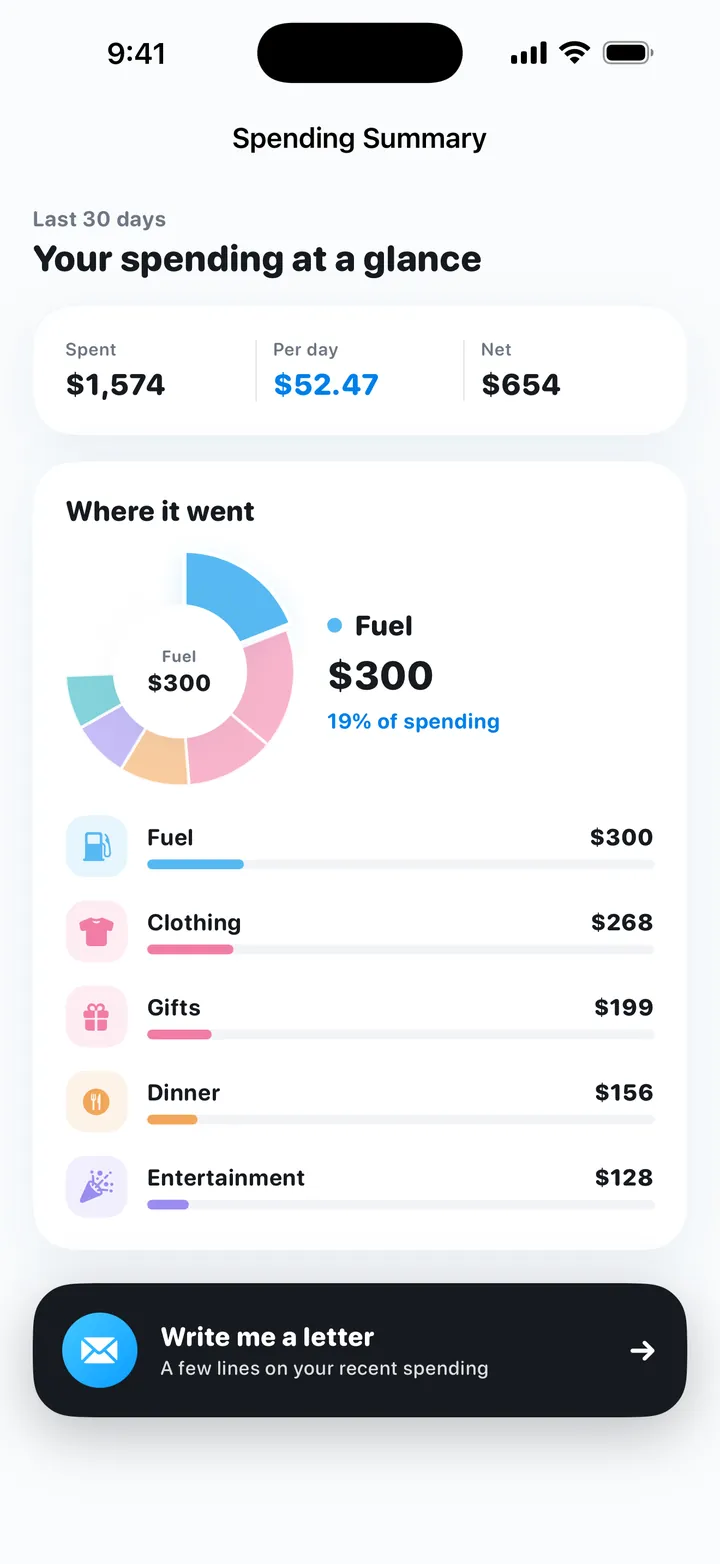
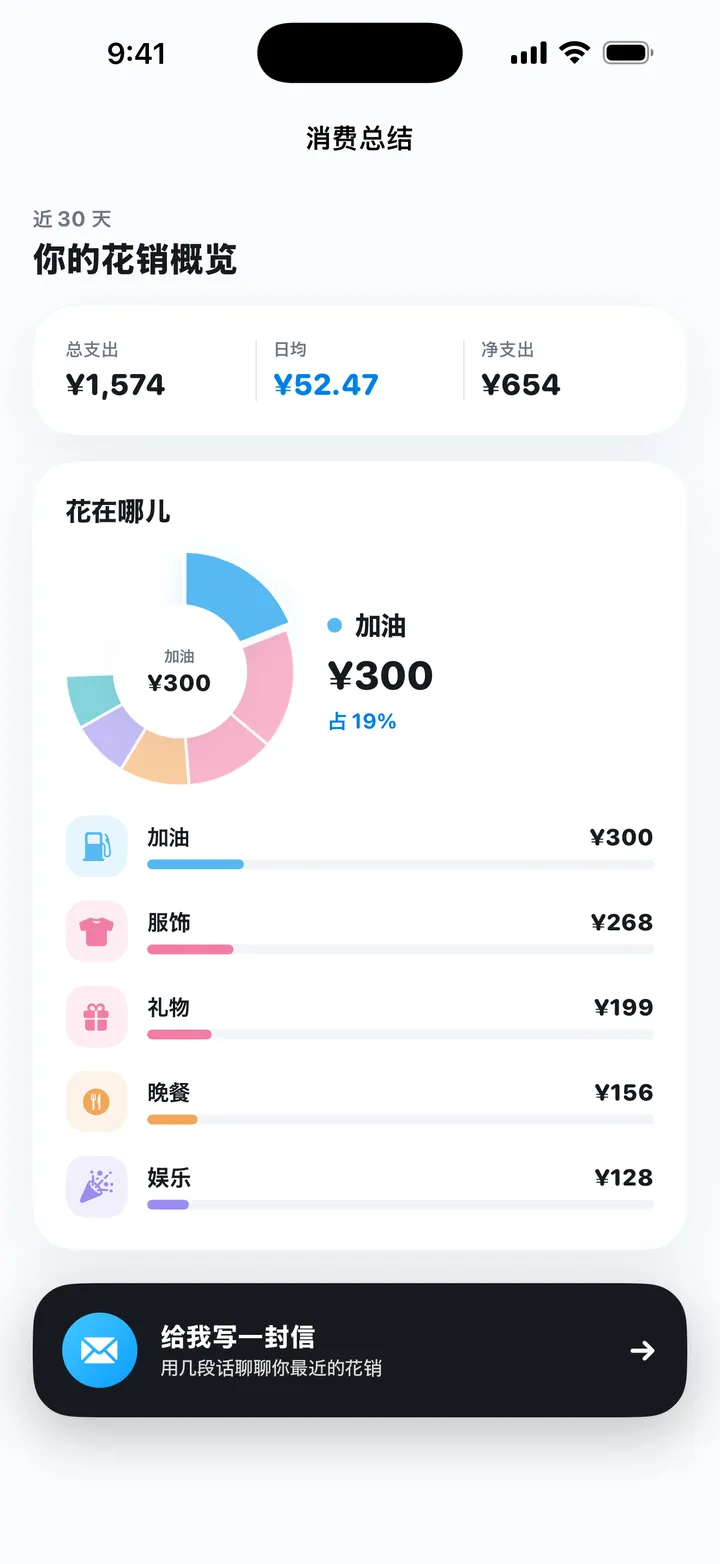
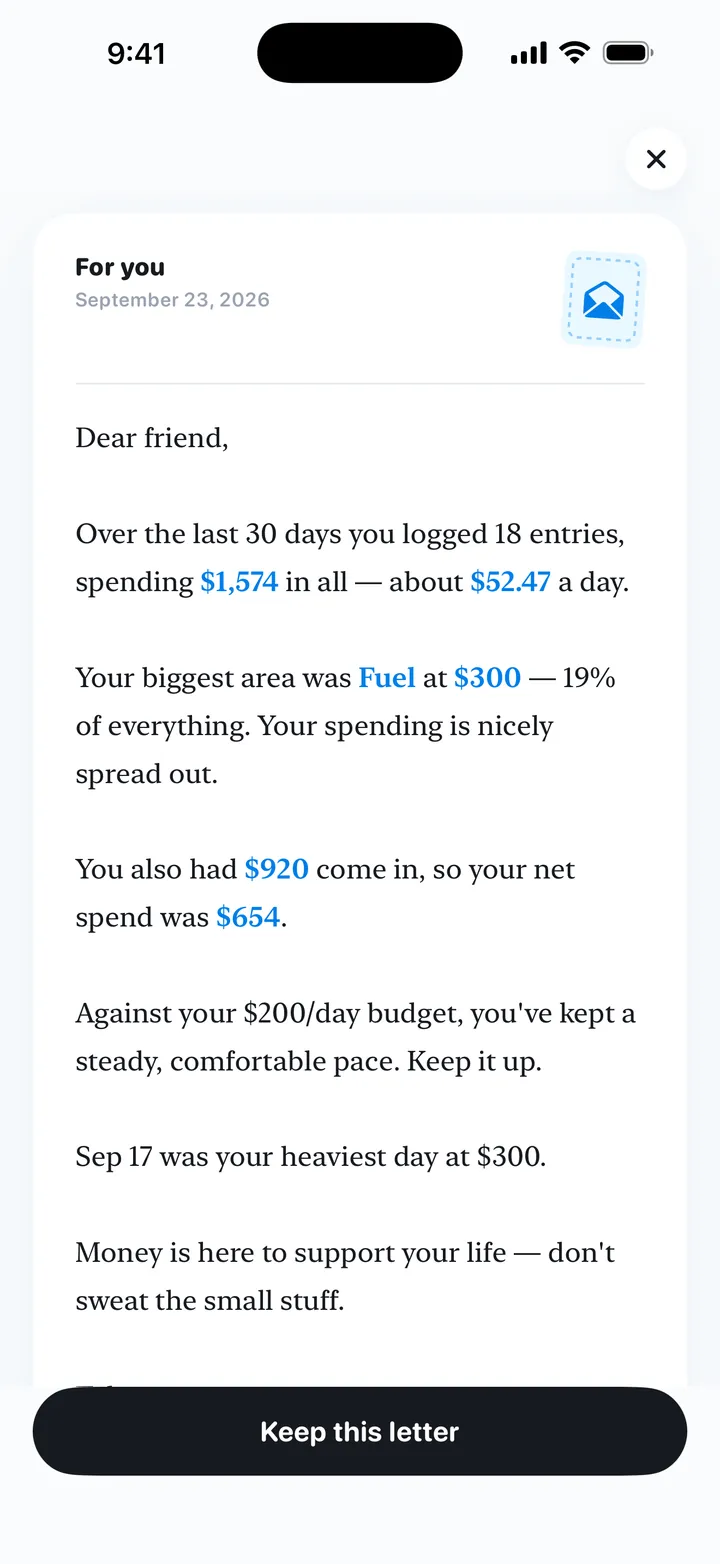
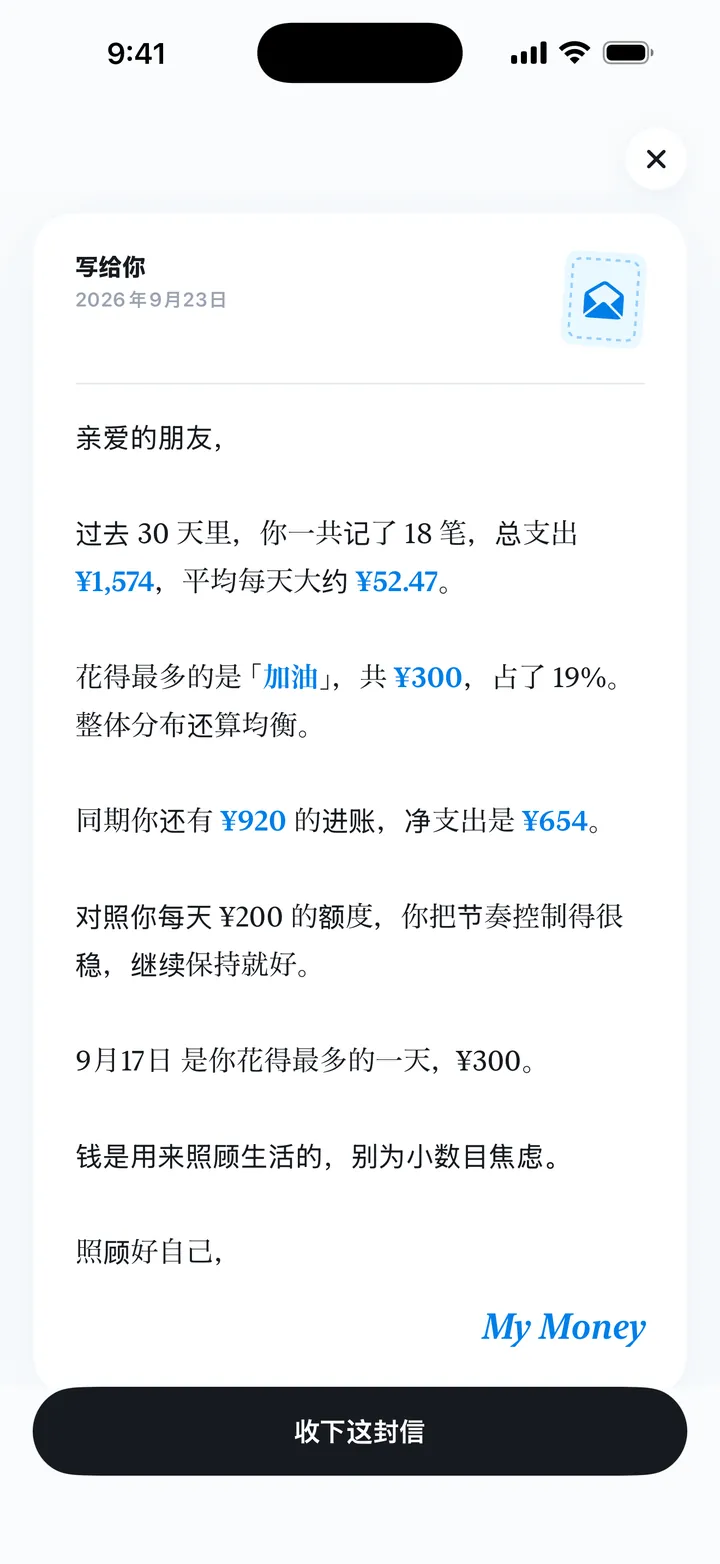
- Spending summary and letter. A 30-day summary with total, per-day average, net, a category donut chart and ranked categories, plus “A letter from My Money” about recent spending.
- Recaps. Daily, weekly and monthly look-backs against the budget that say plainly when there isn’t enough data.
- History and calendar. Full history list and a calendar with per-day totals; any entry can be edited or deleted.
- Widgets and reminders. Home Screen widgets in two sizes with an option to hide amounts; evening reminders that are gentle, clear, or only sent when over budget.
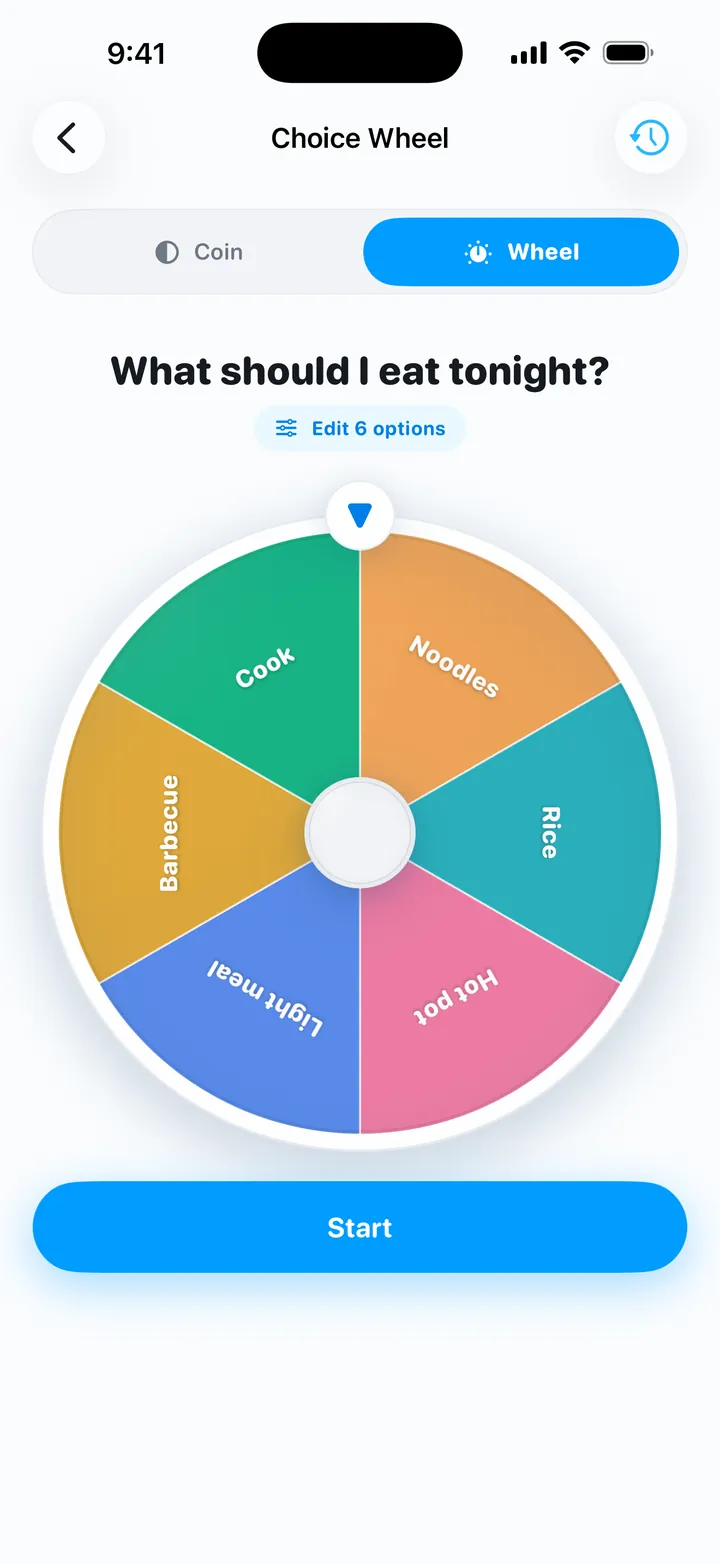
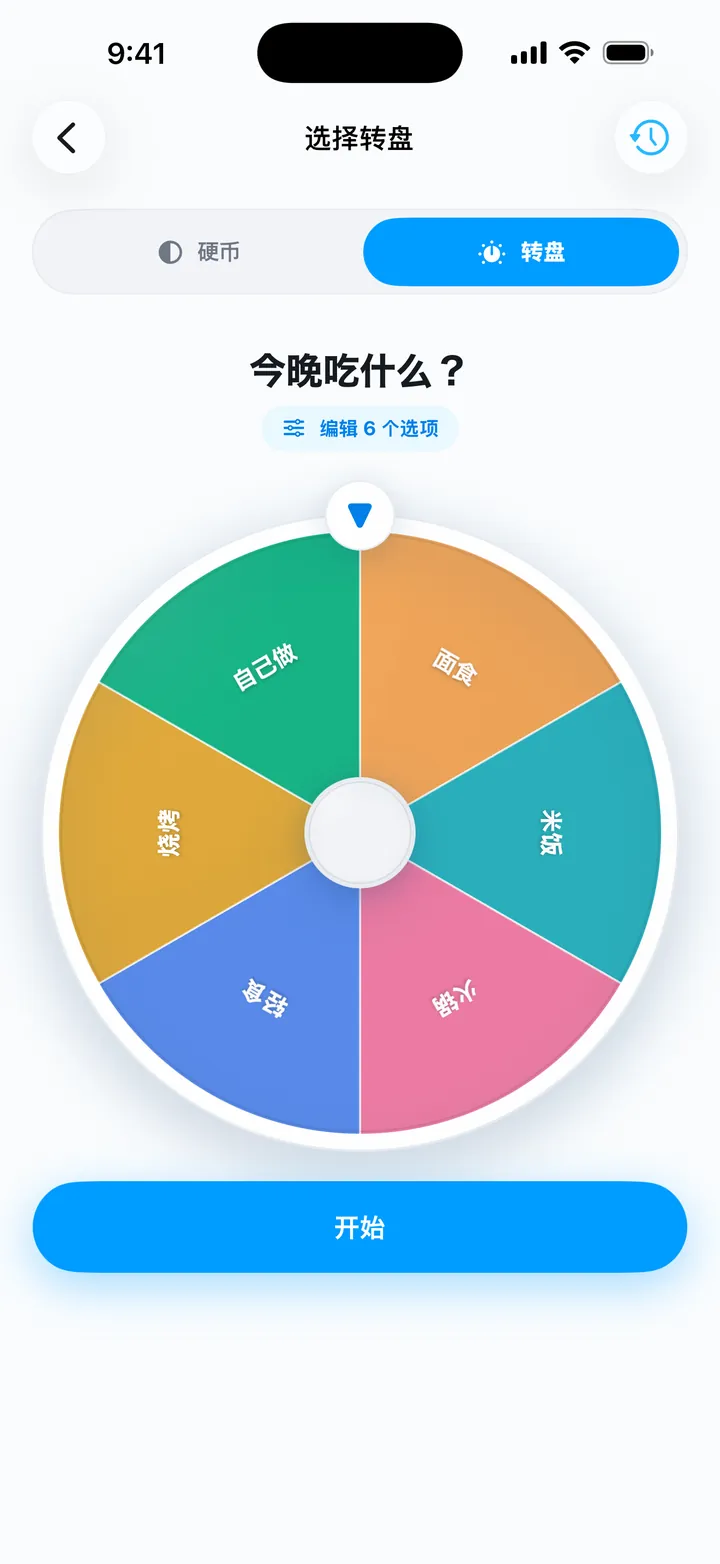
- Decision helper. A decision coin that shows a purchase’s budget impact before the toss, and a choice wheel for questions like “What should I eat tonight?”. For fun and reference.
- Data control. Export a backup or erase all data from Settings.
What My Money does not do
- No bank or card sync: every entry is logged by the user, by typing, voice or screenshots.
- iPhone only: no Android app, web version or Mac app.
- No shared or family ledger.
- No multi-currency support or conversion. The English interface shows $ and the Chinese interface shows ¥; amounts are plain numbers.
- No sync between devices: records stay on that iPhone. Use Export to keep or move a copy.
- Voice logging needs on-device speech recognition for the chosen language.
- Not financial, investment or tax advice.
App icon, screenshots and share images
App icon: app-icon-512.png (PNG, 512 × 512).
Screenshots are WebP files, 720 × 1564, in each interface language.
| Screen | English | Simplified Chinese |
|---|---|---|
| Home: left to spend today | home.webp | home.webp |
| Voice entry | voice.webp | voice.webp |
| Screenshot entry: review before saving | screenshot.webp | screenshot.webp |
| Spending summary | summary.webp | summary.webp |
| A letter from My Money | letter.webp | letter.webp |
| Choice wheel | wheel.webp | wheel.webp |
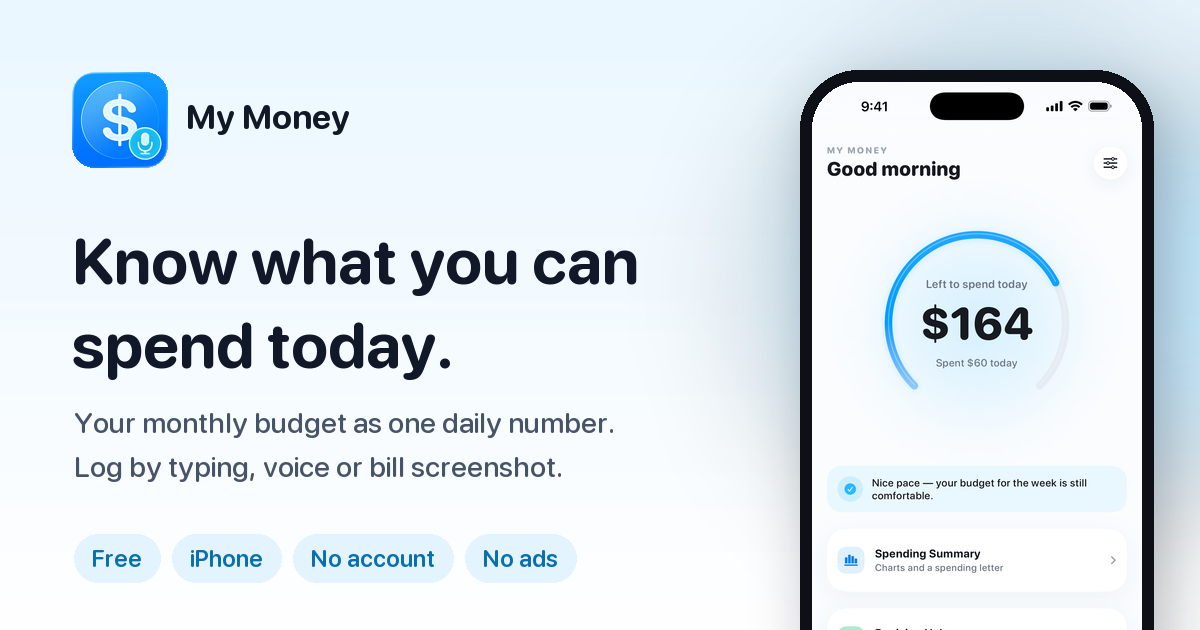
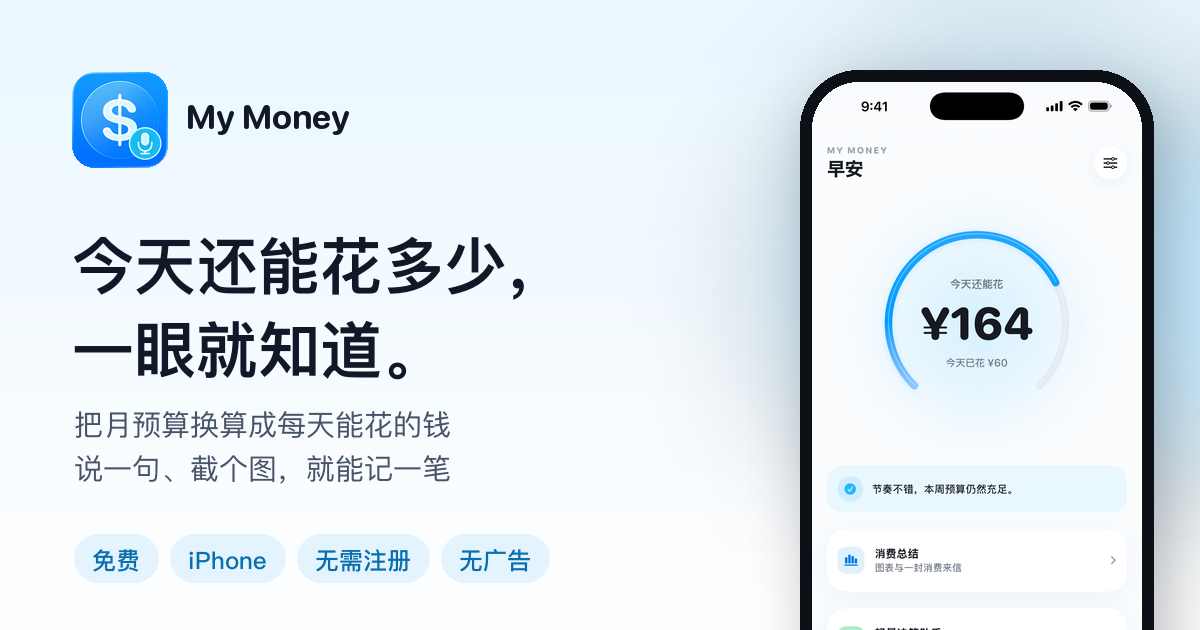
Share images (PNG, 1200 × 630): og-en.png (English) and og-zh.png (Simplified Chinese).
Usage notes
- Describe features as they are. My Money reads bill screenshots on the iPhone; it does not connect to banks or import transactions. Parsing and insights run on the device by default, and the online AI (DeepSeek) is optional, off by default and asked per feature.
- Mention where it is available. It is an iPhone app for iOS 17 or later, and it is not on the mainland China App Store.
- Spell the name “My Money”, two words. The full App Store name is “My Money: Budget & Expense Log”.
- It is not financial advice. My Money is a personal budgeting tool; its plans, recaps and suggestions are for reference and are not financial, investment or tax advice.
- Questions and fact checks go to snaptidyapp@outlook.com. The about page covers why the app exists and its release history.
Try My Money on iPhone
Your monthly budget as one number: what you can still spend today. Log by typing, voice or a bill screenshot. Free, no account, no ads.