How to budget as a college student and make your allowance last the month

Short answer
To make a student allowance last the whole month, add up the money coming in, take out fixed costs and a small buffer for irregular expenses, and divide what is left by 30 to get a daily spending number. Log every purchase against that number, let a big day shrink the days after it, and spend five minutes once a week checking how it is going.
A monthly allowance arrives as one big number, and one big number is hard to pace. The fix is to turn it into a small daily number. Add up the money you will have this month, take out fixed costs (rent, phone, transport pass, subscriptions) and a small buffer for irregular costs like textbooks, then divide the rest by 30. That is what you can spend each day on food and everything else. Log every purchase, let an expensive day shrink the days after it, and check once a week. The steps work with pen and paper; the last section shows how the My Money app does the same on iPhone.
Step 1: How much money do you really have each month?
Convert every source of money to a monthly amount.
- Allowance from family. If it arrives monthly, use it as it is. A lump sum per semester is divided by the months it has to cover, such as 4 or 5, not by 12.
- Scholarships, grants and stipends. Count only the part you can spend on living costs, not money paid straight to tuition. Divide a per-term stipend the same way.
- Part-time work. Shifts change, so do not budget on your best month. Average the last two or three months and plan on a conservative share, for example 75%. Anything above that is a bonus, not a gap to fill. My Money's budget assessment uses the same rule: irregular income counts at 75% of the recent average.
Use what actually reaches your account after fees or tax, and leave out money that is not certain yet.
Step 2: Which costs should you take out first?
Fixed costs are the ones you pay no matter how the month goes. Take them out first:
- Rent or dorm fees (the monthly share, if you pay per term)
- Phone plan and your share of home internet
- Transport pass
- Subscriptions: music, video, cloud storage, apps, gym
- Any other regular payment, such as insurance
Check your last bank or card statement for forgotten subscriptions. Anything that renews on its own is a fixed cost until you cancel it.
Step 3: How do you plan for textbooks, trips home and repairs?
Some costs do not come every month, but they always come: textbooks at the start of term, a train or flight home, a cracked phone screen, a new laptop charger. Paid out of a normal month, any one of them can wipe out the rest of it.
Instead, set aside a small amount every month, often called a sinking fund. Estimate each item for the term, divide by the months in the term, and add them up. Keep it apart from your spending money. When one of these costs arrives, pay it from the buffer, not from your daily number. Whatever is not used rolls into next month or becomes savings.
Step 4: How much can you spend per day?
What is left after fixed costs and the buffer is your flexible money. Divide it by 30, or by the number of days in the month, to get a daily number. The example uses made-up round numbers. It is not a typical or recommended budget; replace every line with your own.
Example: a $1,200 month
| Item | Per month |
|---|---|
| Allowance from family | $600 |
| Scholarship stipend ($1,200 per 4-month semester) | $300 |
| Part-time job ($400 average, counted at 75%) | $300 |
| Money in | $1,200 |
| Rent share | −$550 |
| Phone plan | −$25 |
| Transport pass | −$40 |
| Subscriptions | −$15 |
| Buffer: textbooks, trip home, repairs | −$90 |
| Flexible money | $480 |
| Daily number ($480 ÷ 30) | $16 |
Here, $16 a day has to cover food, coffee, household items, going out and everything else that is not fixed. If your number looks too small to live on, go back to steps 2 and 3 and find something to change, such as a cheaper phone plan or a subscription you rarely use. You can try your own figures in the daily budget calculator.
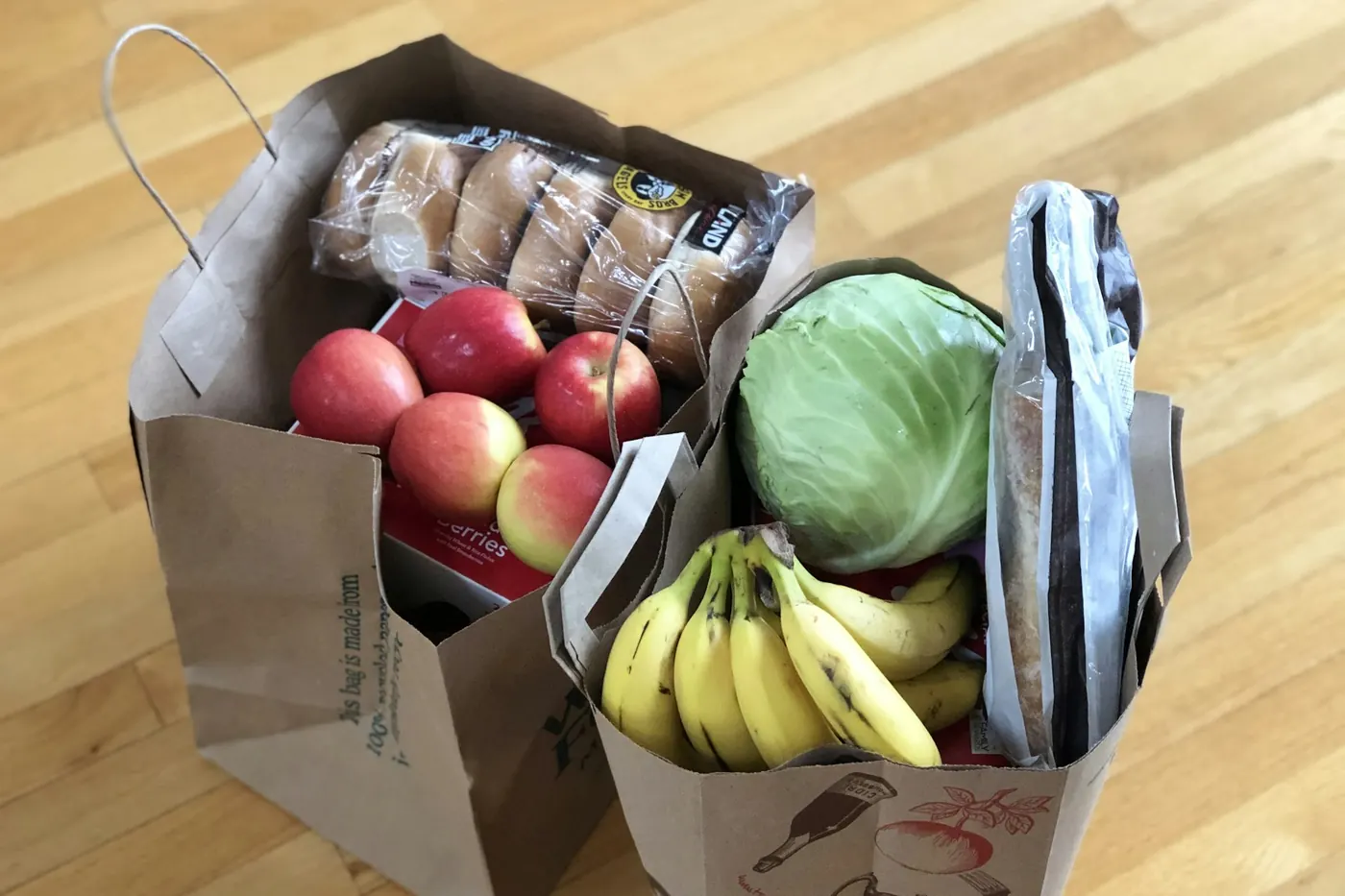
Why is food the category to watch?
Once rent and bills are fixed, food is the spending you make decisions about several times a day: groceries, campus meals, coffee, snacks, delivery and eating out with friends. That makes it the place where the daily number is kept or lost. A few habits help:
- Cook or buy groceries for some meals each week, so eating out is a choice rather than the default.
- Log coffee and snacks too. Small amounts only become visible once they are written down.
- Plan social meals. If you know Friday dinner is coming, spend a little less earlier in the week.
What if you overspend one day?
A big day is not a failure, and you do not need to win it back with a no-spend day tomorrow. Spread it instead: the overspend comes out of the days that are left.
Example: after a birthday dinner
It is the evening of day 10. At $16 a day, you planned to spend $160 so far, but a birthday dinner means you have spent $190. Flexible money left: $480 − $190 = $290. Days left: 20. New daily number: $290 ÷ 20 = $14.50. The $30 overspend costs you $1.50 a day for the rest of the month.
It works the other way too: spend less than your daily number and the difference carries forward, so a cheap week makes room for a weekend trip. The daily budget method guide covers carry-over in more detail.
What should you check each week?
Once a week, take five minutes:
- Compare the week with the plan. At $16 a day, a week is $112. Are you over or under?
- Find the biggest category. If it is food, look at which kind: groceries, delivery or eating out.
- Look for new recurring charges. Free trials that turned into paid plans show up here.
- Look at next week. A trip, a birthday or a book to buy? Plan for it now.
- Change one thing. One adjustment you actually keep beats ten you forget.
Which small costs quietly break a student budget?
- Subscriptions. Free trials renew automatically and student prices do not last forever. Check the list each term.
- Delivery fees. Delivery fees, service fees and tips sit on top of the food price. Log the total you paid, not the menu price.
- Splitting bills with roommates. Log only your share. If you paid the whole bill and your roommates pay you back, either log just your share, or log the full amount and record their repayments as income so they cancel out. Pick one approach and keep using it.
- Buy now, pay later. Log the purchase on the day you make it, at the full price. Otherwise the cost lands weeks later in a month that did not plan for it.
How should international students budget?
Budget and log in the currency you actually spend. If your family sends money from home, use the amount that landed in your local account after fees. Exchange rates move, so if the transfer is a fixed amount in your home currency, plan on a slightly lower figure than this month's rate suggests. Large one-off costs such as a housing deposit, visa or residence permit fees, required health insurance and flights home belong in the buffer, not in the daily number.
One honest note: My Money does no currency conversion. The English interface shows $ and the Chinese interface shows ¥, and amounts are plain numbers with no exchange rates. If you spend in pounds, euros or yen, enter the numbers as you spend them, keep to that one currency, and read the symbol as a label.
How does My Money help with a student budget?
My Money is a free iPhone app built around the same daily-number idea.
- Set up in about a minute. Enter a monthly spending amount directly, such as the $480 from the example; rent and bills are then already taken out, so you only log day-to-day spending. Or use the budget assessment: it asks about income (irregular income counts at 75% of the recent average), fixed costs, living costs and a savings goal, then offers a few plans. The math runs on your phone with fixed rules, and you can change the plan in Settings at any time.
- One number on Home. The Home screen shows how much you have left to spend today, what you have spent today and your recent entries. Spend less and the difference carries into the next days, up to 5 days' worth. Spend more and the coming days get less.
- Fast logging. Type "Coffee 5" or "Taxi home 18" and the amount and category are filled in. Or tap the mic and say what you bought; speech recognition runs on the device. You can also pick up to 5 screenshots of payment records or receipts and check the drafts before saving.
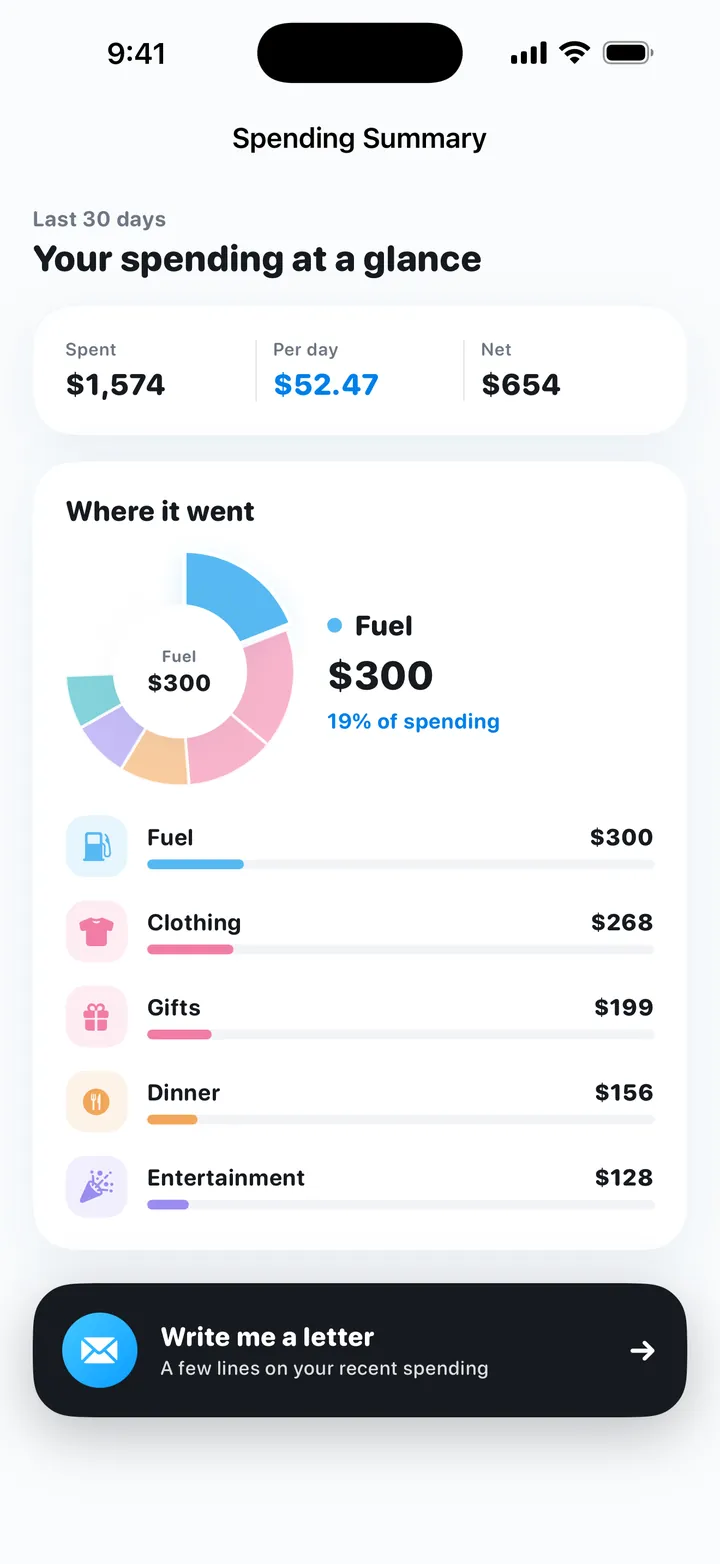
- Looking back. Daily, weekly and monthly recaps compare your spending with the budget. The spending summary shows the last 30 days by category, and a short letter from My Money points out your biggest category and heaviest day.
Limits worth knowing: My Money is iPhone only (iOS 17 or later). It does not connect to your bank or card, so you log every entry yourself, and there is no shared ledger for splitting costs with roommates. There is no account and no ads, and records are stored on your iPhone.
Try My Money on iPhone
Your monthly budget as one number: what you can still spend today. Log by typing, voice or a bill screenshot. Free, no account, no ads.
FAQ
How much should a college student spend per day?
There is no single right number. Take your monthly money in, subtract fixed costs and a small buffer for irregular costs, and divide the rest by 30. In a worked example with $1,200 a month, $480 is left after rent, bills and the buffer, which gives $16 a day.
What should I do if my allowance runs out before the end of the month?
Divide the money you have left by the days that are left and live on that new daily number. Then check your biggest category and any subscriptions, and change one fixed cost or habit before next month starts.
How do I budget with an irregular part-time income?
Average your earnings over the last two or three months and plan on a conservative share of that, for example 75%. Anything you earn above that goes to your buffer or savings instead of your daily spending.
Can I use My Money while studying abroad in another currency?
Yes, if you log everything in the one currency you actually spend. My Money does no currency conversion: the English interface shows $ and the Chinese interface shows ¥, and amounts are plain numbers.
Is My Money free, and does it need my bank account?
My Money is free with no ads, needs no account and does not connect to any bank. It runs on iPhone with iOS 17 or later, and you log each entry yourself by typing, voice or screenshots.
Try My Money on iPhone
Your monthly budget as one number: what you can still spend today. Log by typing, voice or a bill screenshot. Free, no account, no ads.
Keep reading
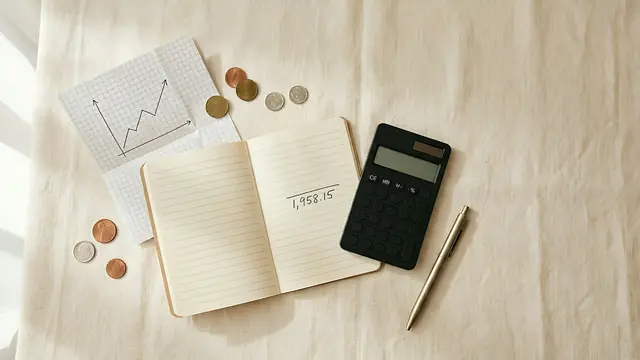 The daily budget method: turn your monthly budget into one number for todayTurn a monthly budget into a daily spending limit: take-home pay minus bills and savings, divided by days. Carry-over rules and a worked example.
 How to stop overspending on food delivery without giving it upSpending too much on food delivery? Find your real number, set a weekly food amount inside a daily budget, and keep delivery for set days. With an example.
 The no-spend challenge: rules, what counts as essential, and a gentler way to do itHow to do a no-spend challenge: pick a weekend, week or month, list your essentials, prepare, handle slips, or try a gentler version with a daily budget.